Quote a regular clean
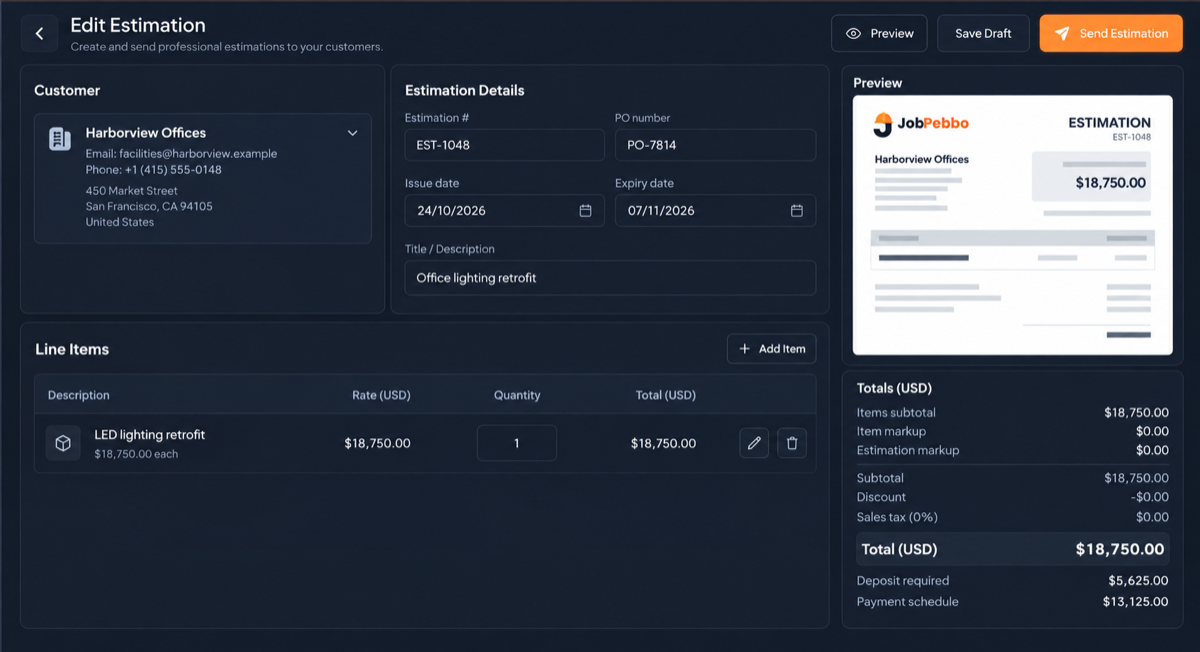
Build the quote from your saved services and rates, such as regular, deep and end-of-tenancy cleans.

JobPebbo for cleaning businesses
Reuse your regular services and rates, plan dated visits and see what has been invoiced, collected or is overdue.
Built around real work
Build the quote from your saved services and rates, such as regular, deep and end-of-tenancy cleans.
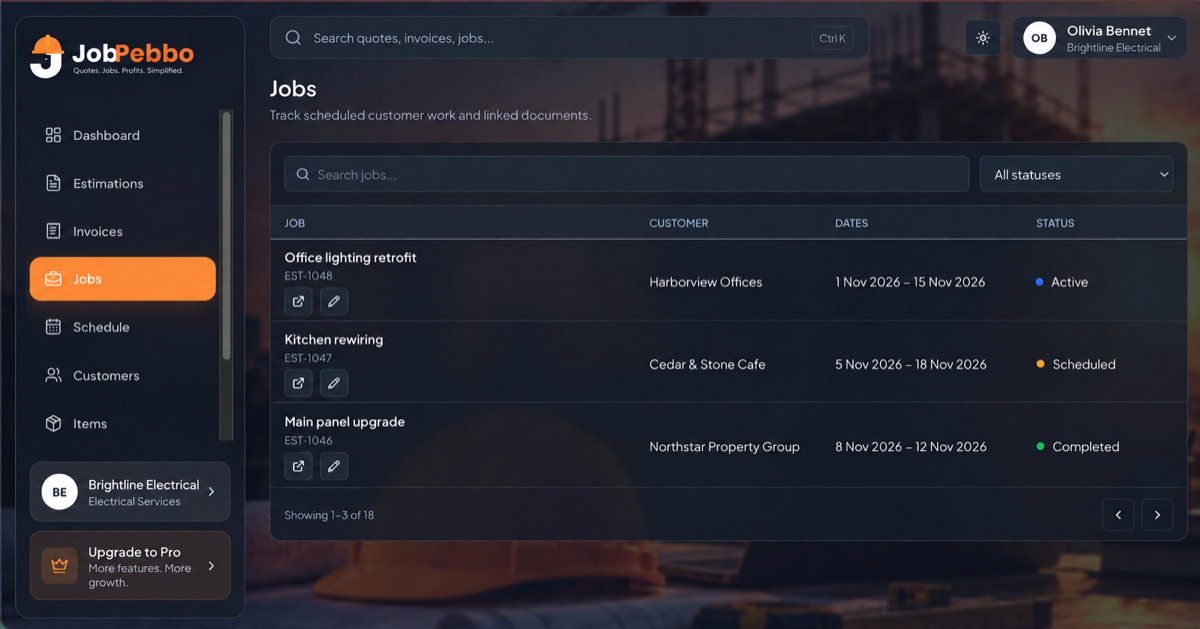
Schedule dated visits with start and end times and notes, against the right customer and job.
Check what has been invoiced, collected or is overdue on the dashboard.
A typical quote
Save each service and add-on with its rate, then build quotes in a few clicks. Use the quantity for extra rooms or hours.
From quote to paid
Get an estimate approved online, link it to the job and invoice the work. Every part stays easy to find.
Getting set up
Add your regular services and extras to the item catalogue so prices stay consistent on every quote.
Record key arrangements and contact preferences in the customer’s private notes.
Keep separate billing and service addresses for offices, landlords and agents who pay for cleans elsewhere.
For cleaning businesses
Yes. Save services with rates and categories in the item catalogue and reuse them on quotes and invoices.
Use the private notes on the customer record.
Yes. The dashboard shows outstanding and overdue totals, and each invoice shows its balance.
Free to use
From the first quote to the final payment, keep your jobs and paperwork together.